 Casino
  Promotions
  Crypto
  Why us



LuckyStart Casino Login and Registration
Both the signup and LuckyStart login processes can be completed by Canadian players in under 2 minutes. We keep things basic to help you get to your favourite games and bonuses without any delays. Register a profile and grab your welcome bundle of up to CA$4,800 + 300 free spins on your first four payments of CA$30 to check out a library of 3,500+ slots, jackpots, table games and live dealer options from iconic software suppliers like Pragmatic Play, Ezugi, and 70+ others.
How to Create LuckyStart Account
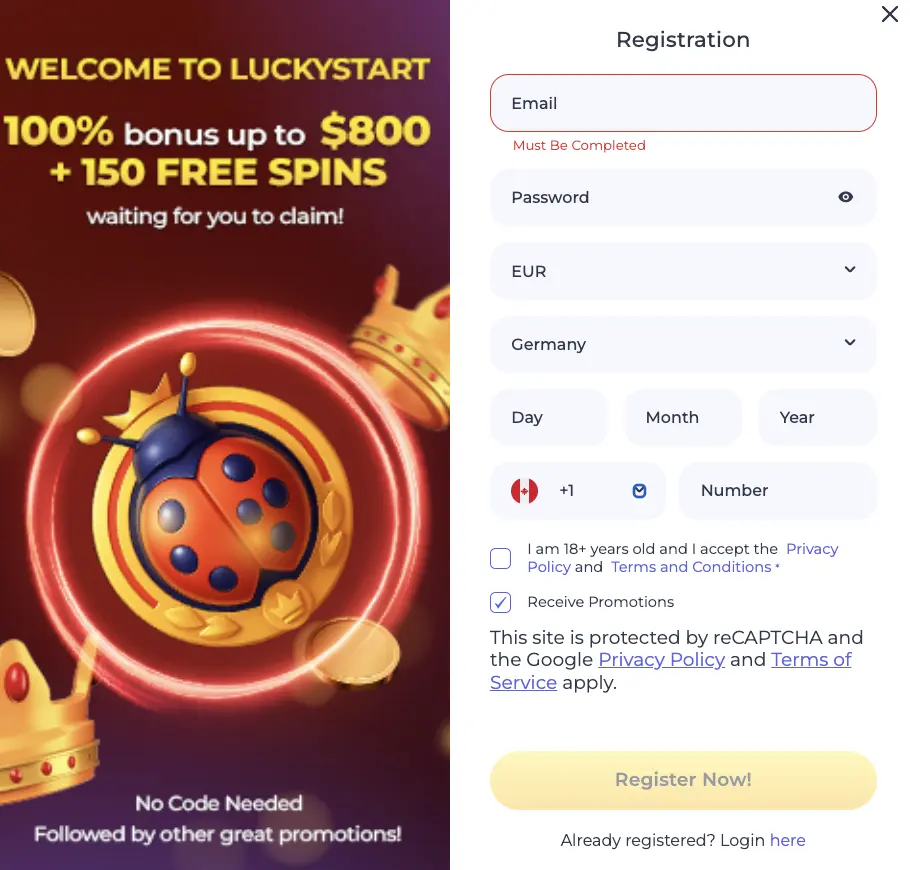
Before you can use your Lucky Start Casino login credentials and make the first deposit, you should follow the steps below to set up your account first:
- Start – Tap “Register” in the top right.
- Login Details – Enter your email address and create a password.
- Currency – Pick CAD from a list of our accepted currencies and crypto.
- Recidence – Choose Canada in the Country field.
- ID Info – Enter your full date of birth (day, month and year) and type your mobile phone number.
- T&C – Enable promotions and accept our terms by ticking the boxes below.
- Finish – Hit “Register Now” to create your account.
All that’s left is to load at least CA$30 to claim your welcome bonus of 100% up to CA$800 + 150 free spins on your first deposit, and you can start playing at LuckyStart.
Requirements for LuckyStart Sign Up
The requirements for Lucky Start registration are as straightforward. Canadian players must be at least 18 or 19 years old, depending on the province. We only need your email address and phone number to set you up with a basic account. You don’t need any special codes, and we’ll ask you to choose from a wide list of payment methods to make your first deposit after you’ve completed the signup process. On that note, you can use Visa, Mastercard, Interac, MiFinity, Skrill and coins like BTC, ETH, TRX, USDT and others to manage your gaming budget.
Casino Account Verification in 2026
Apart from the details required for your LuckyStart sign up procedure, we also need you to verify your identity and each payment method you wish to use. Click on your “Profile” and then select “Verification” to start. From there, you can drag and drop files of under 10 MB needed to pass each of the three verification steps.
The first one is an identity check, which you can easily pass with a scanned passport, driver’s license, your ID card and later, a selfie photo. Make sure the watermarks are visible and that you send both the front and back sides of any documents you upload, and you’ll be good to go.
Address verification can be done with a recent phone bill, a utility bill or a bank statement. It’s only necessary that both your name and full address are clearly visible on the uploaded file and that the paper isn’t older than 90 days.
Payment verification is done for each method individually, and you’ll generally need a screenshot of prior payments of the method you wish to certify. This can be, for example, a photo of your Skrill page or a photo of your online banking page.
To wrap up tap “Verify” under Phone Verification, and we’ll send you a one-time passcode, so just input the code into the new popup.
LuckyStart Casino Login Process
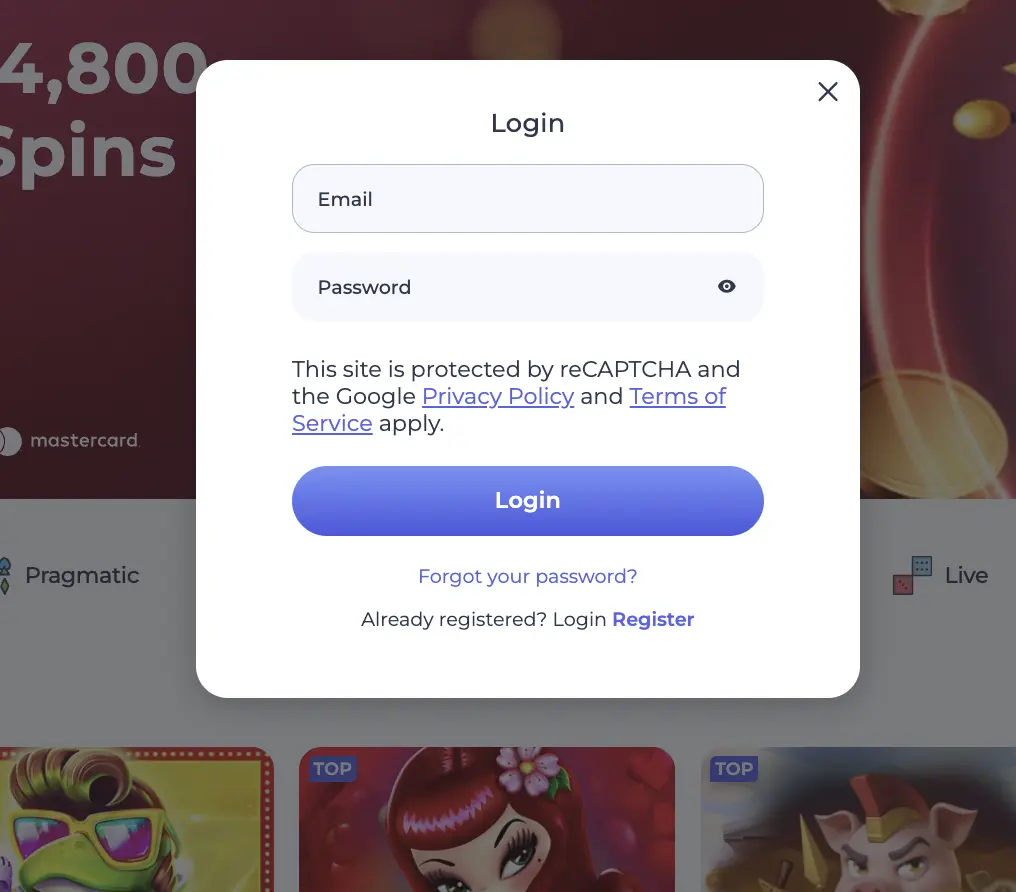
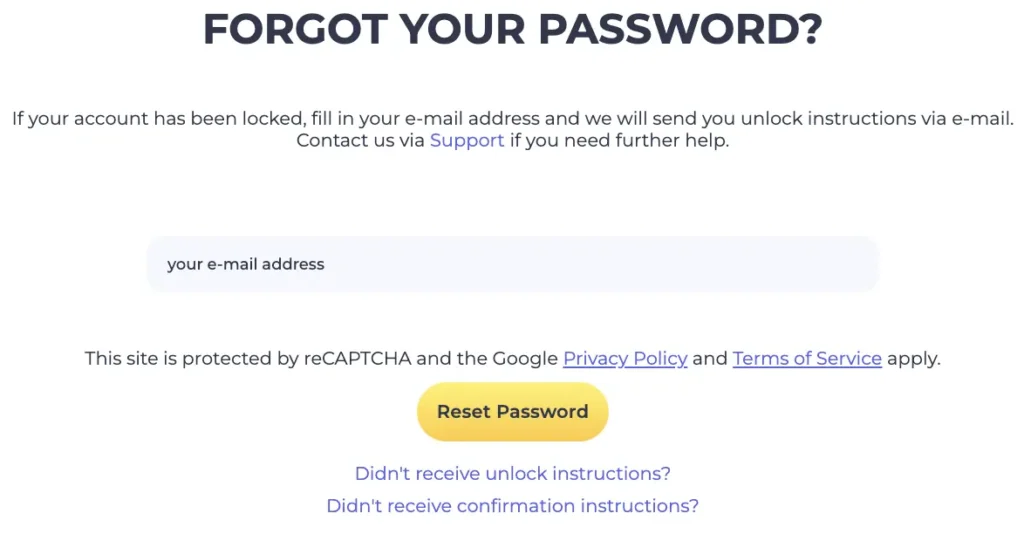
You’ll automatically sign in to your account when you finish the signup process, and you’ll remain logged in until you manually tap “Sign out”. Still, if you’re unsure about how you can re log back into your account, all you have to do is tap “Login” and follow the onscreen instructions. In other words, enter the email address you used to register an account with us and type in your password. Tap “Forgot Your Password?” if you can’t remember it and we’ll send you a login reset link to your email inbox.
Login via Mobile App
LuckyStart is a mobile-friendly Canadian online casino where the login procedure looks identical on desktop and mobile devices. You can follow the exact same login steps as you did when you signed in from your desktop computer. Just tap “Login”, input your email and type your password. Now you are signed in and can try new mobile games, like Deal With Death or Fortune Red Packets.
Personal Details
We take extra care of any personal and LuckyStart registration details you share with us. Your name, address and all connected payment methods including any verification documents and crypto addresses are collected in compliance with the KYC procedure and are highly confidential. Our site implements encryption and activity monitoring, the sensitive information is not transferred to third parties.
Possible Lucky Start Login Issues for New Players
Even though the login steps are simple you may bump into a few common issues, especially if you’re new to LuckyStart.
- Typos are among the most frequently made mistakes, so double check if you’ve correctly entered your email address and password.
- We don’t support VPN gaming, so disable proxies and any external software you may be using to properly load the LuckyStart Casino login page.
- If your profile is not verified, you wouldn’t be able to make deposits and cash out the winnings. So attach the required documents to finish the verification.
How To Delete Account
You can use Take a Break or self-exclusion tools to put your profile under a lock, but if you wish to permanently close your LuckyStart account and delete Lucky Start sign up details, just contact our customer support via email. Withdraw all remaining funds from your account, describe why you want to opt out of our site, and we’ll send you a notice of account termination as soon as we internally process your request.
Note that you can get help with problem gambling and set up safer gaming limits through the live chat, but full account closure can only be done through emails.